Your week, laid out.
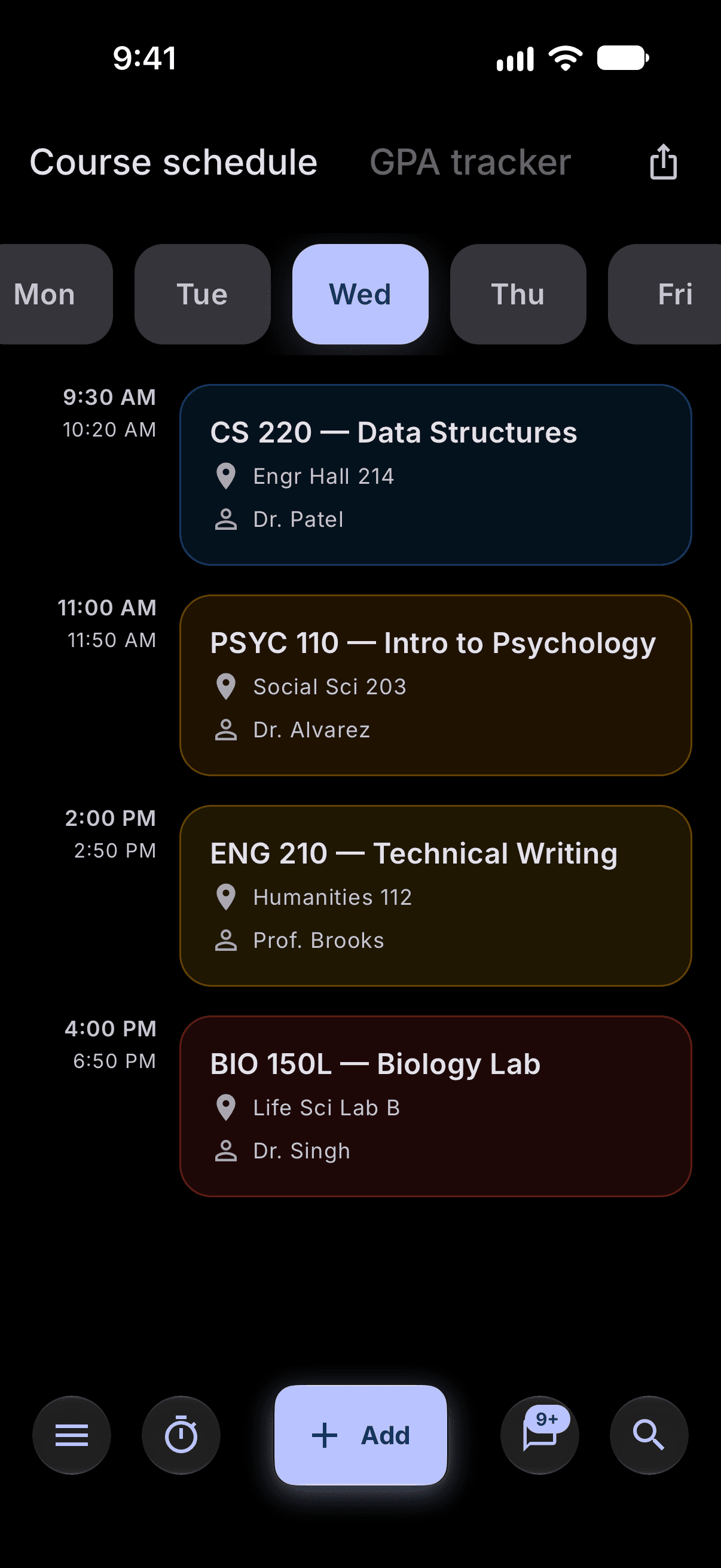
Add a class once with its days, times and room. Stu.Do builds the week and keeps every assignment tied to the course it belongs to.


Scan with your
iPhone camera
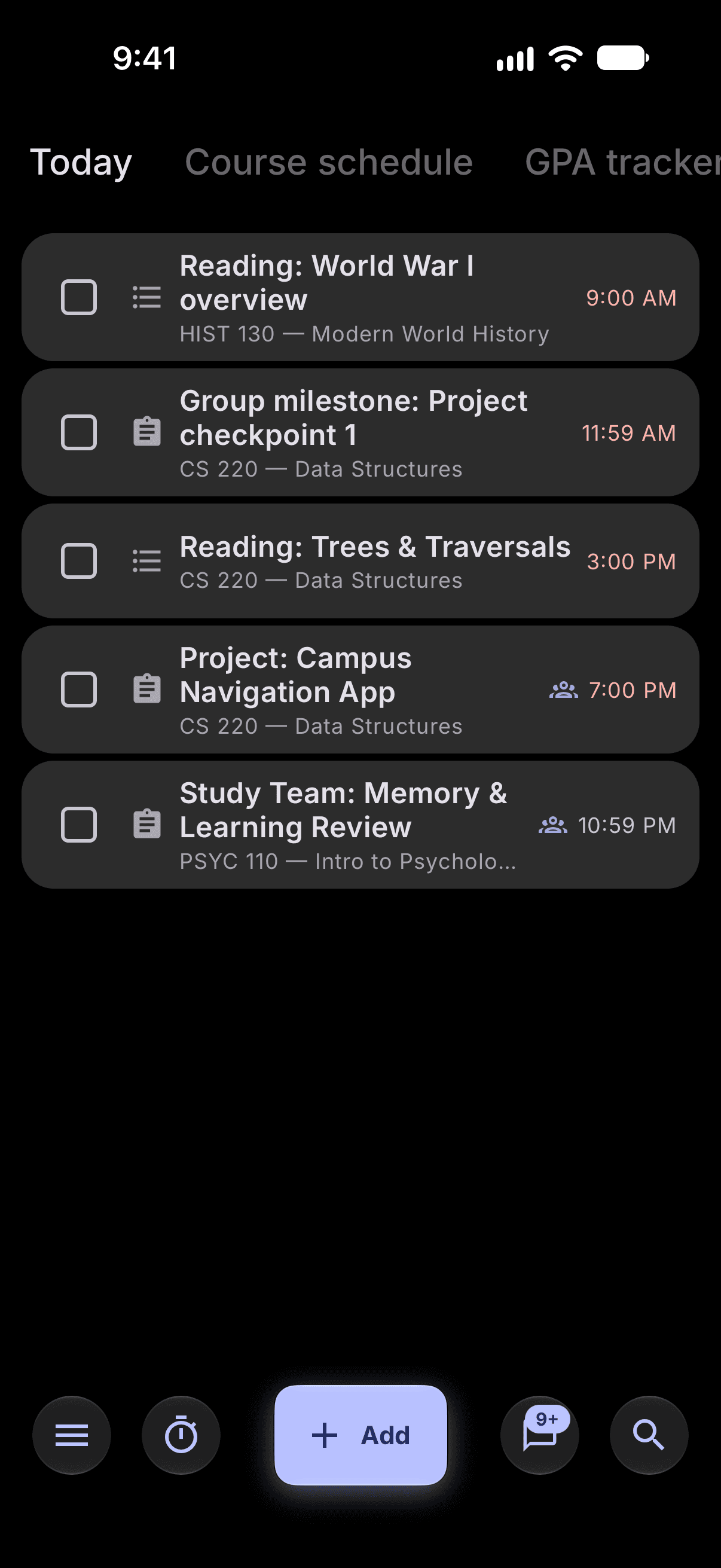
This is the Today list from the app, running in your browser. Finish it and Stu shows up, the same way it does on your phone.
Add a class once with its days, times and room. Stu.Do builds the week and keeps every assignment tied to the course it belongs to.
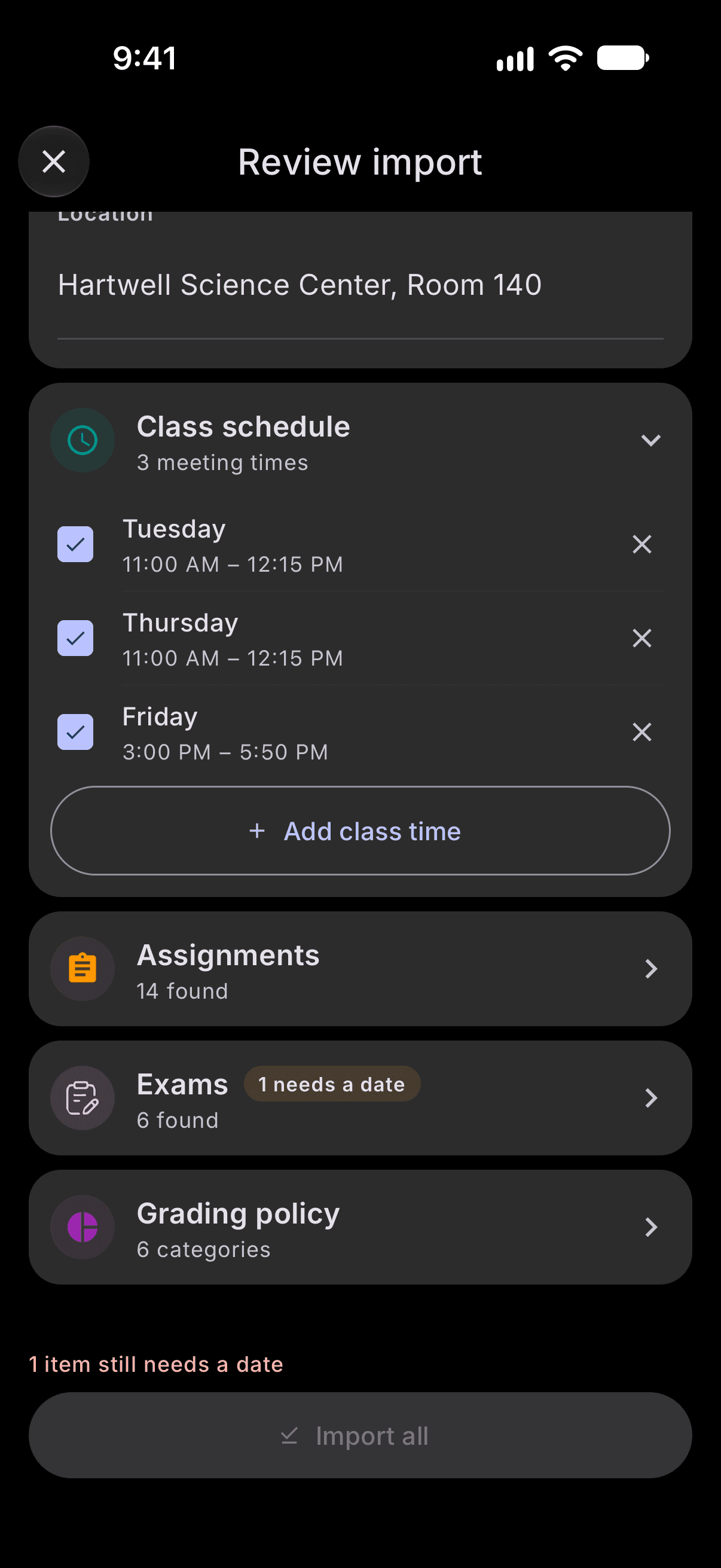
Share your syllabus PDF to Stu.Do and it pulls out the assignments, exams and grading policy. Nothing saves until you've looked over the list.
Syllabus import needs a free account.
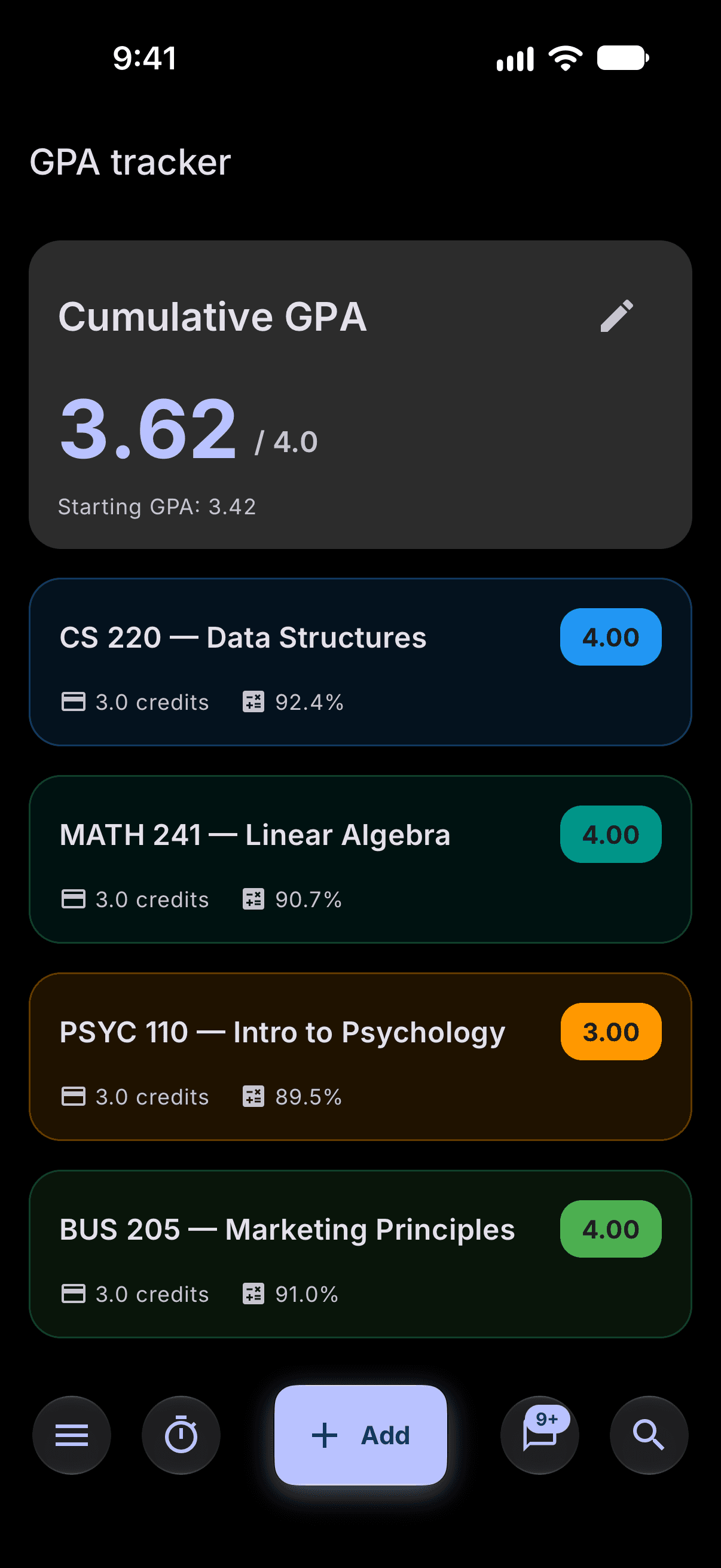
Enter each course's grading weights once. As grades come in, Stu.Do keeps your course average and cumulative GPA current.
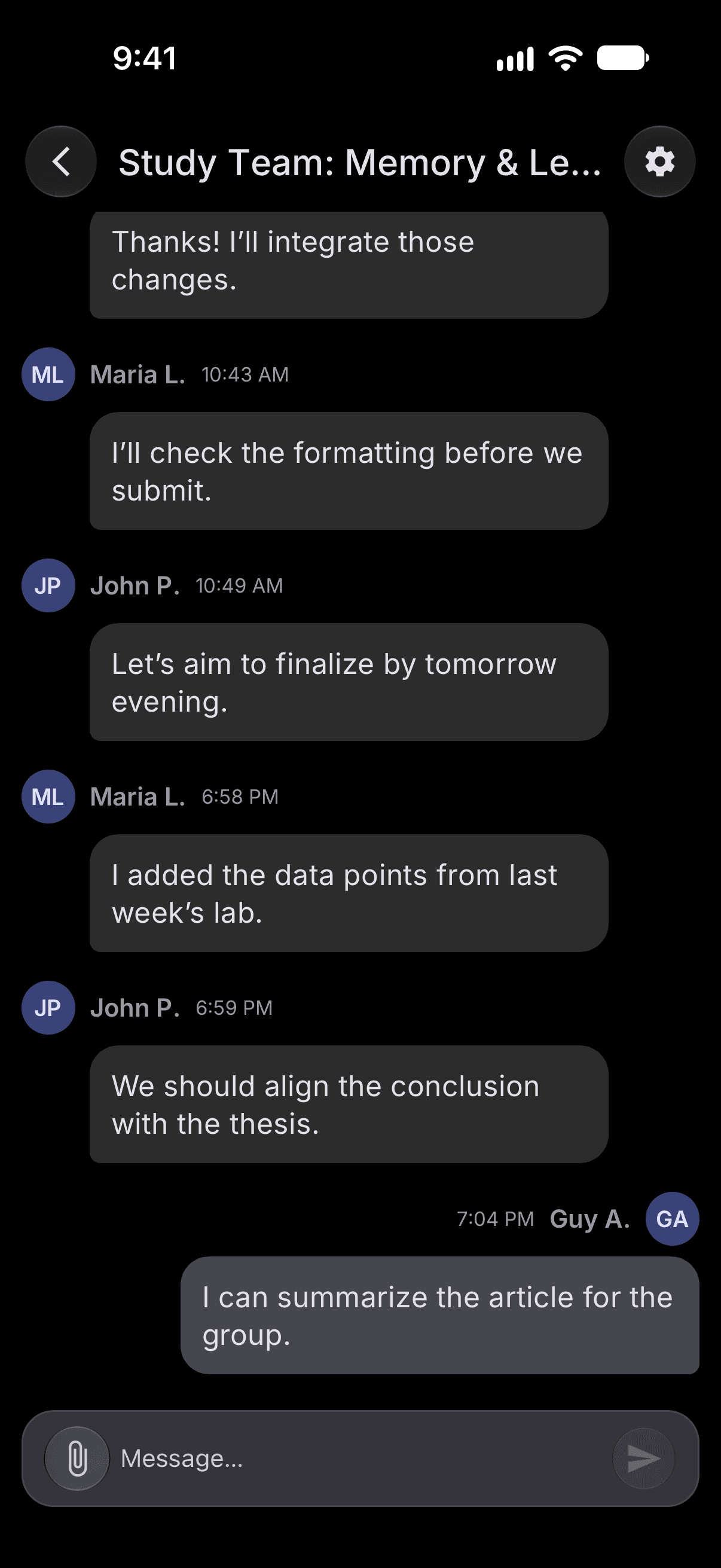
Share an assignment, invite classmates by username or email, and keep the chat and files with the work instead of in a group text.
Groups need a free account.
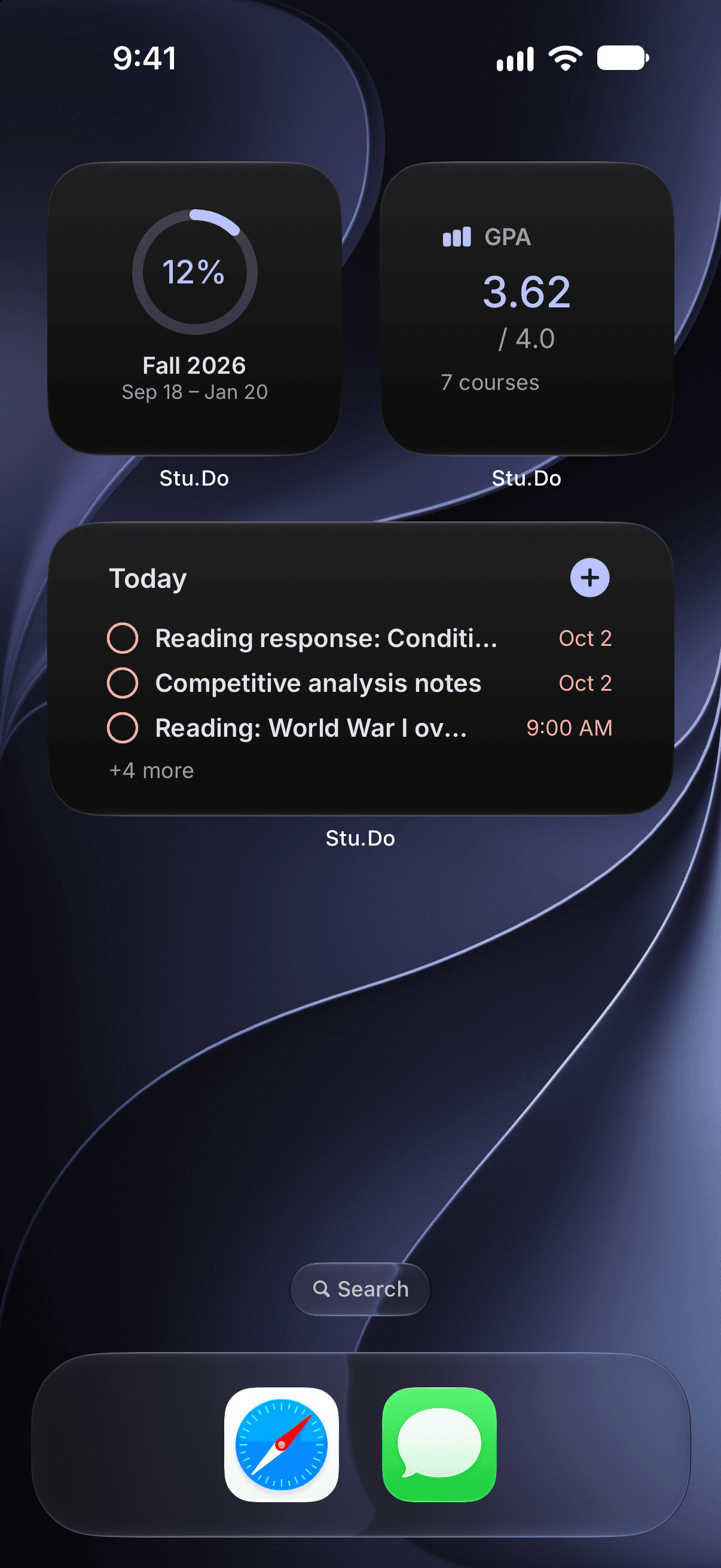
Widgets show what's due, your GPA and how far into the semester you are. Check off a task without opening the app.
Everything lives on your phone first. Signing in is optional and only adds sync, group assignments and chat.
No ads. Your tasks and grades aren't sold or used to train AI. Read the privacy policy

I built Stu.Do during my sophomore year at Hofstra, when my semester lived in five apps that didn't talk to each other. This is the one I wanted.
iPhone, iOS 17 or later.
Scan with your
iPhone camera
Leave your email and we'll write when a new version is out.