
Everything Stu.Do does
Everything you need.
Nothing you don't.
Stu.Do is opinionated. Here's the full list — short, honest, no checkbox-style “advanced workflow automation” nonsense.
Home screen
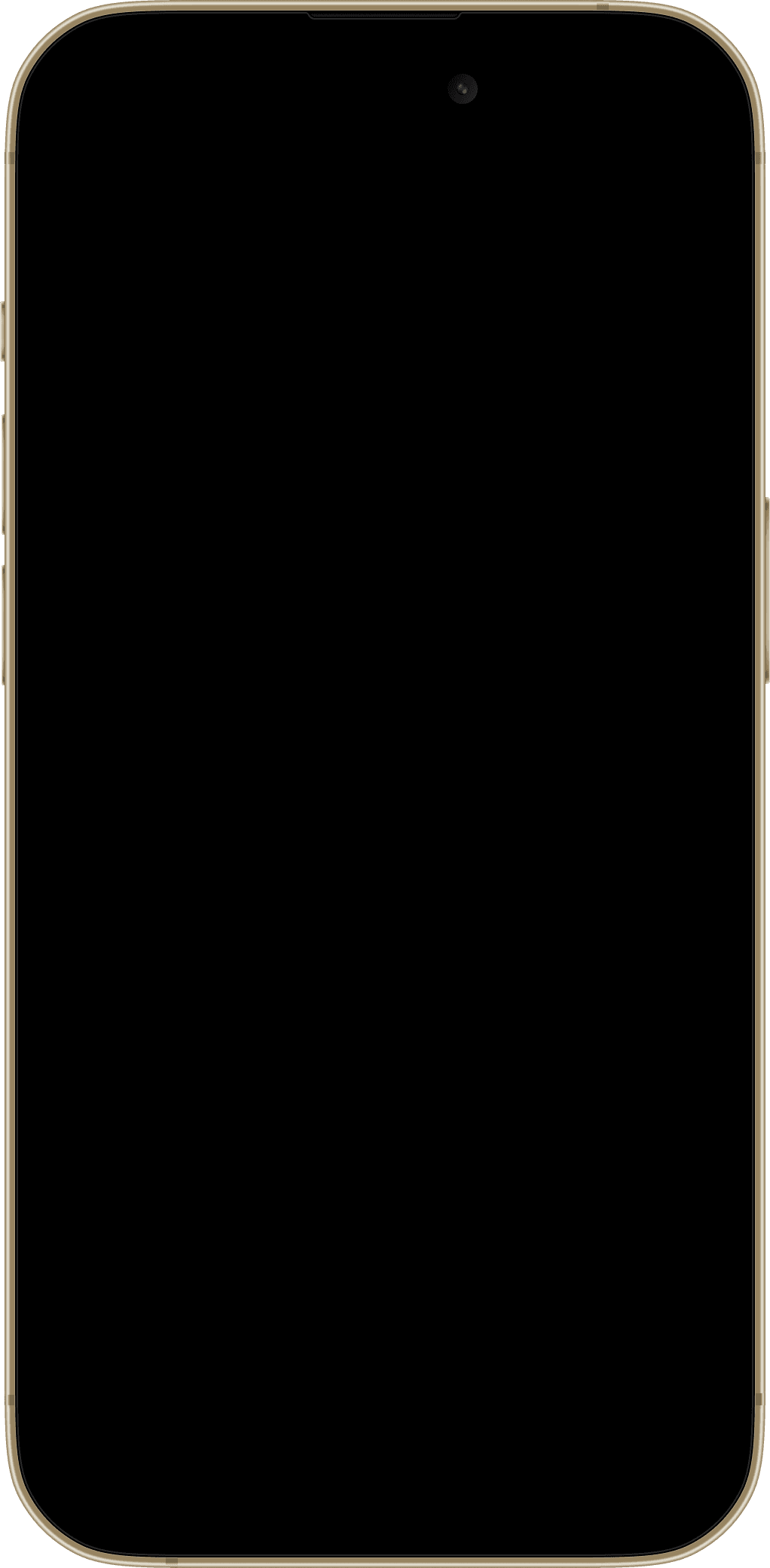
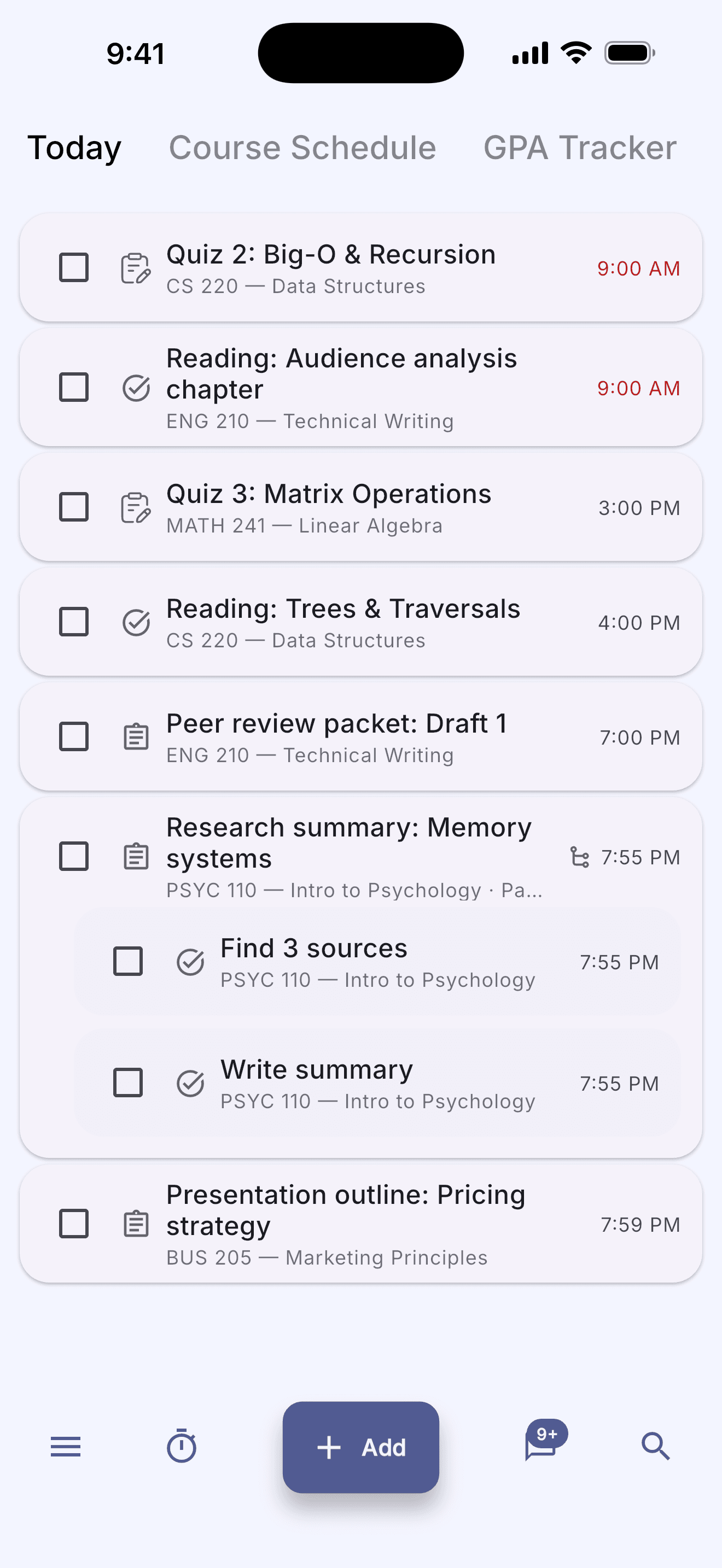
Open the app, see what's due today.
No quirky onboarding, no “select 5 categories you care about.” The first screen is the only screen you actually need most days.
Schedule
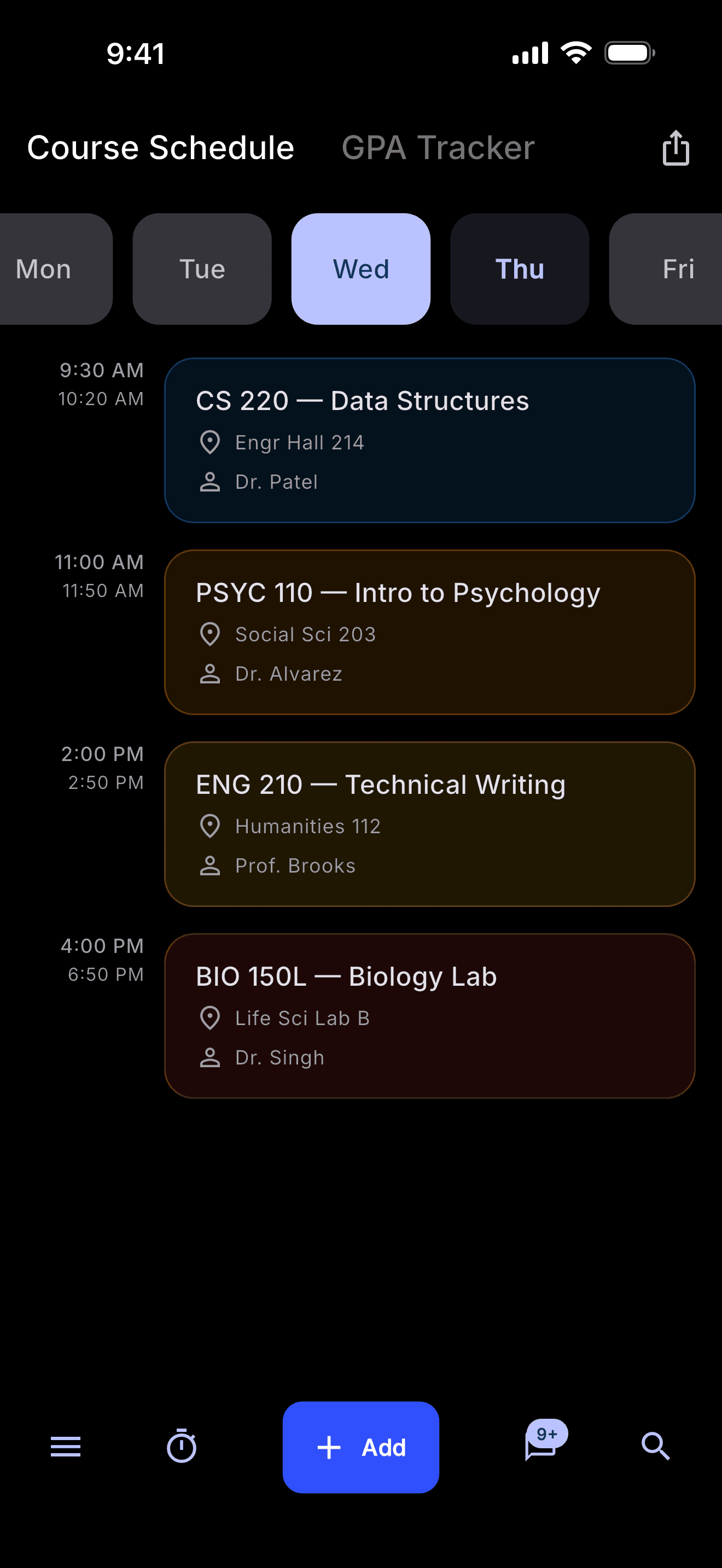
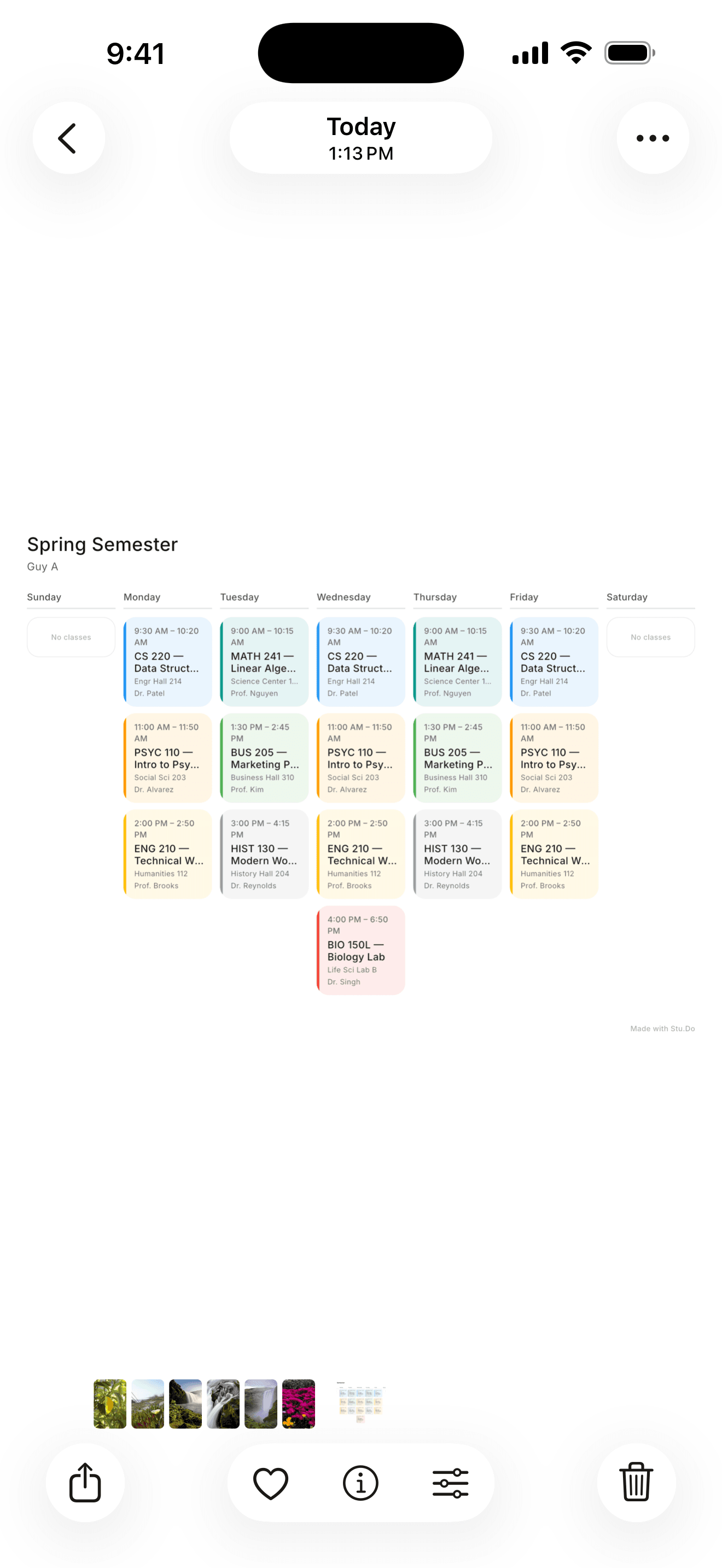
Your whole week, laid out.
Drop in classes, shifts, and study blocks. Conflicts surface automatically.
Syllabus import
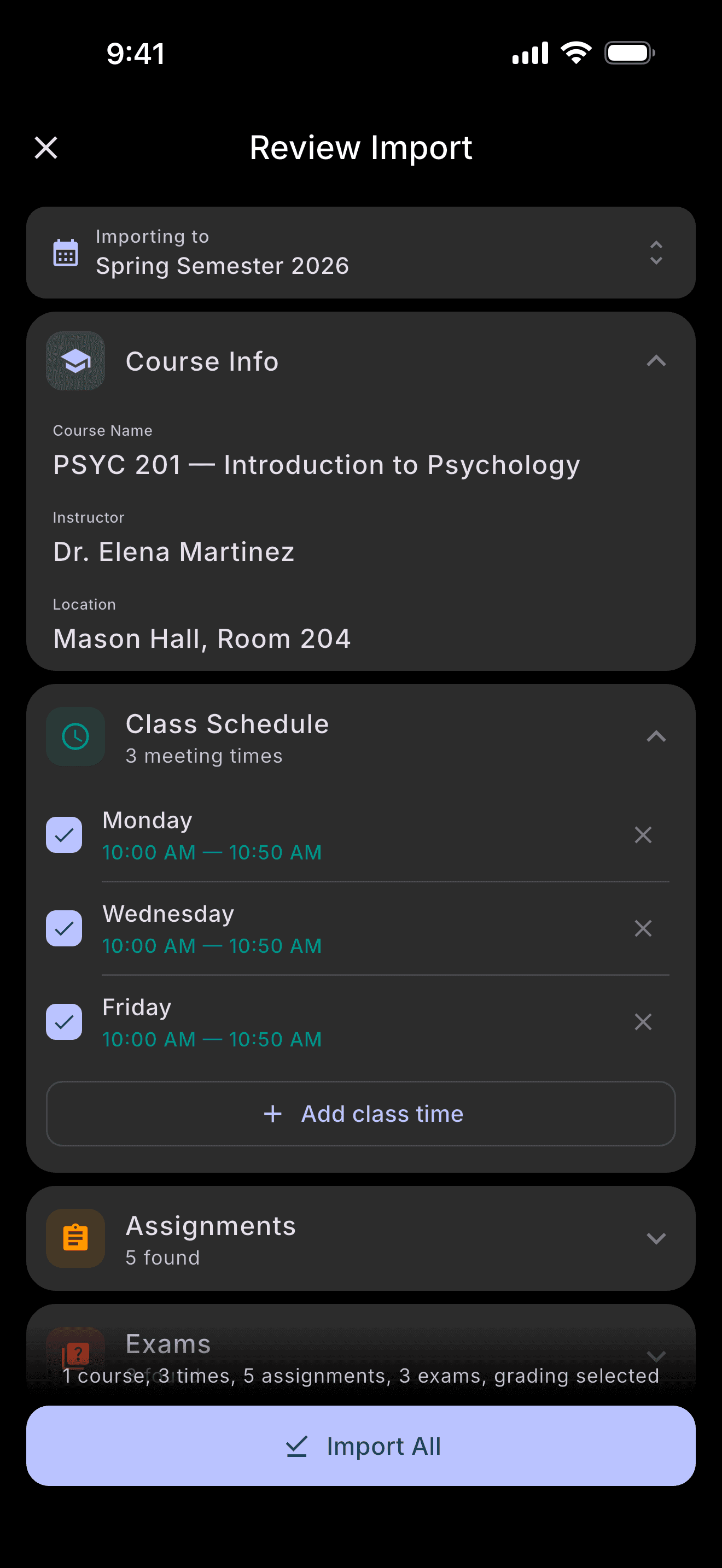
Drop in a syllabus. Done.
Stu.Do reads the PDF or photo, pulls out every assignment and exam, and shows you a list to confirm before anything saves.
Grades
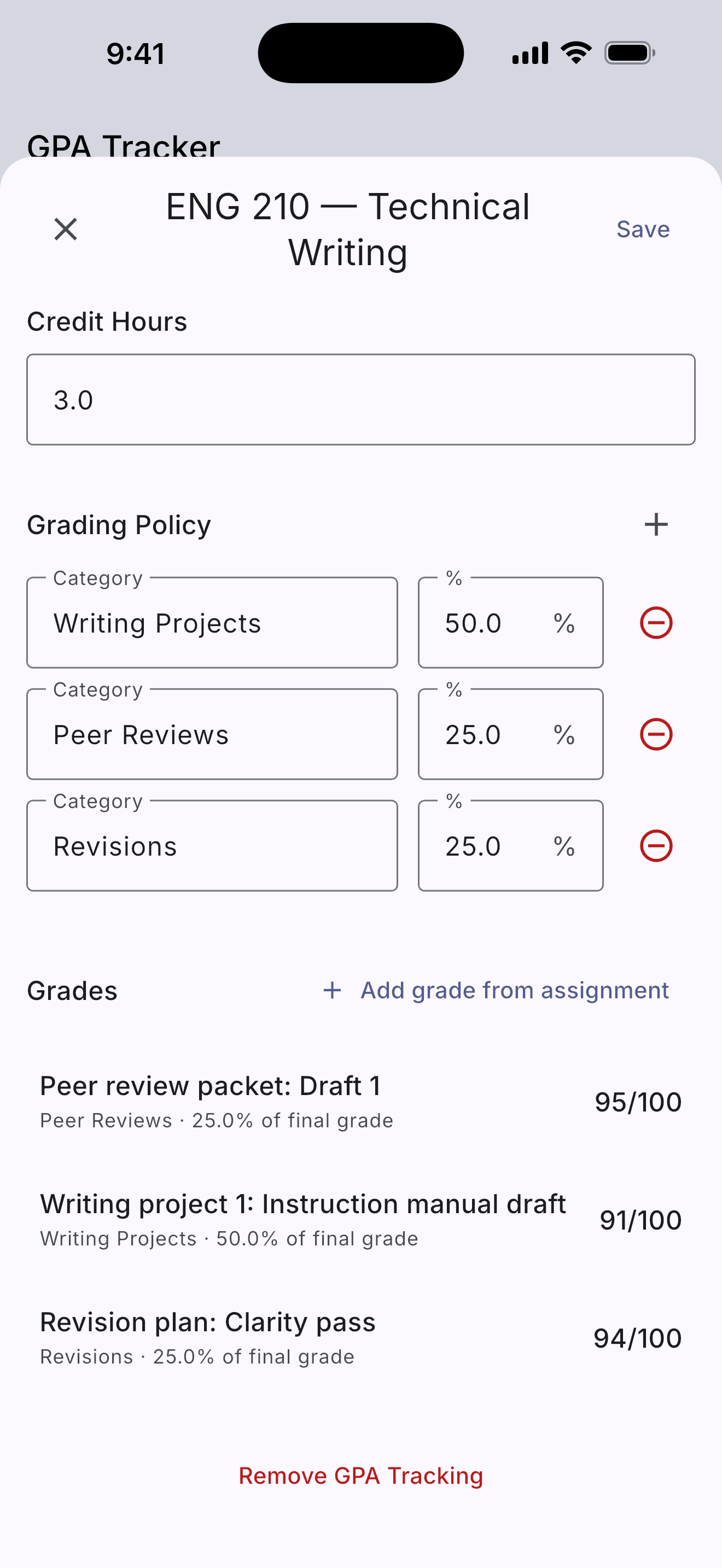
Weighted GPA, live.
Set up your weights once. Stu.Do tracks your grade after every assignment and projects where you'll land.
Task model
Three things, three colors, zero ambiguity.
Stu.Do separates tasks from assignments from exams because they're not the same thing. The model matches how school actually works.
Subtasks
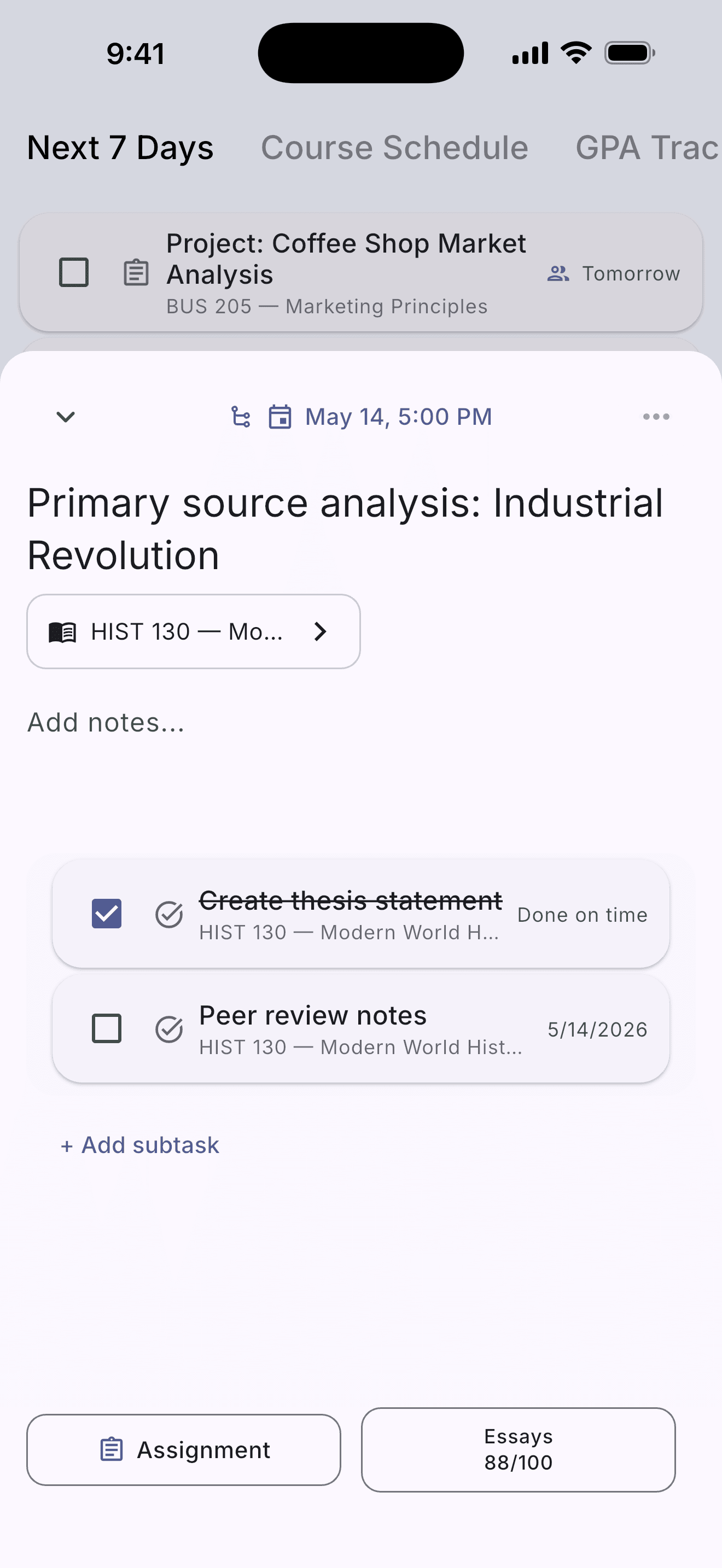
Break the big stuff down.
Big assignment? Add steps. Stu.Do tracks the progress bar and the final due date together.
Focus
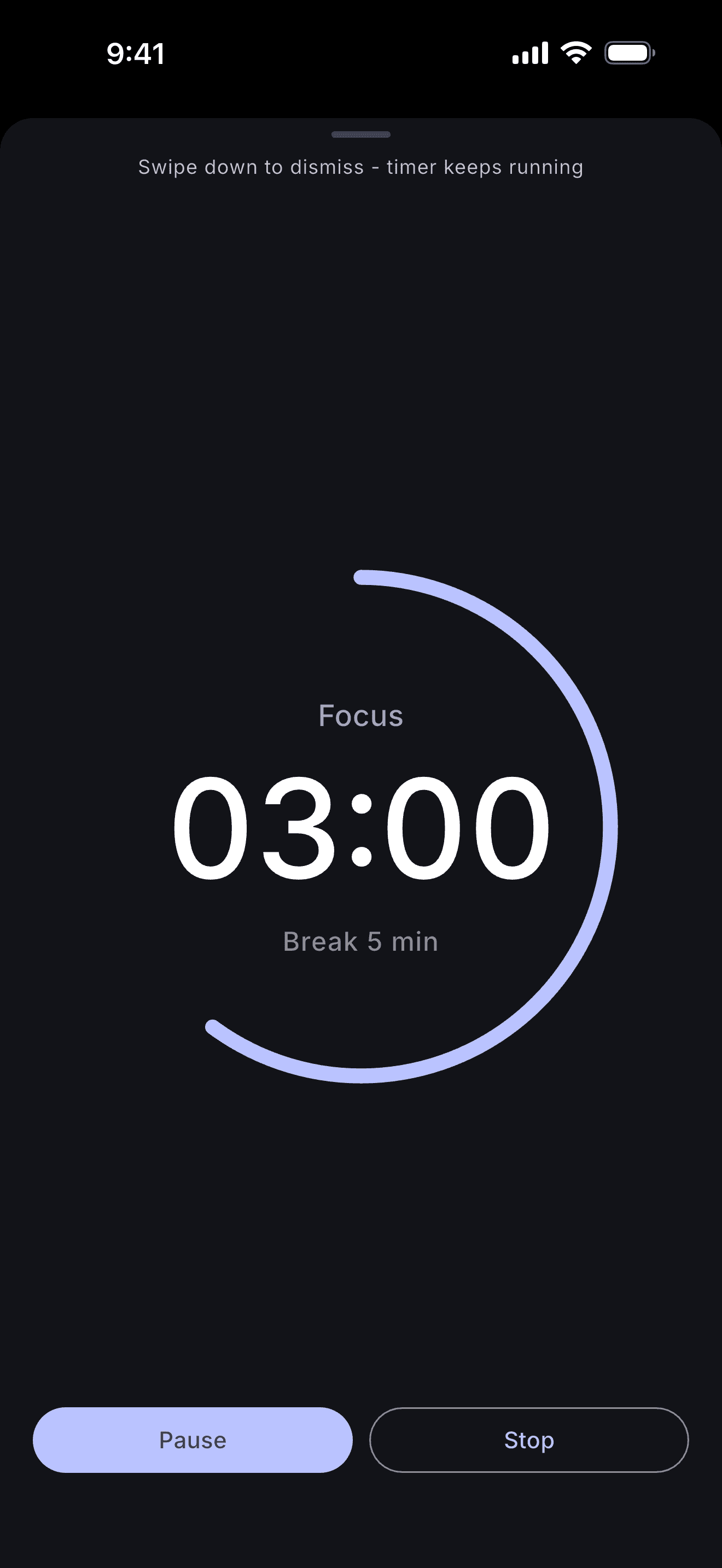
25 minutes. One thing.
Built-in Pomodoro with session tracking. The streak shows up in the home screen widget so you actually use it.
Groups
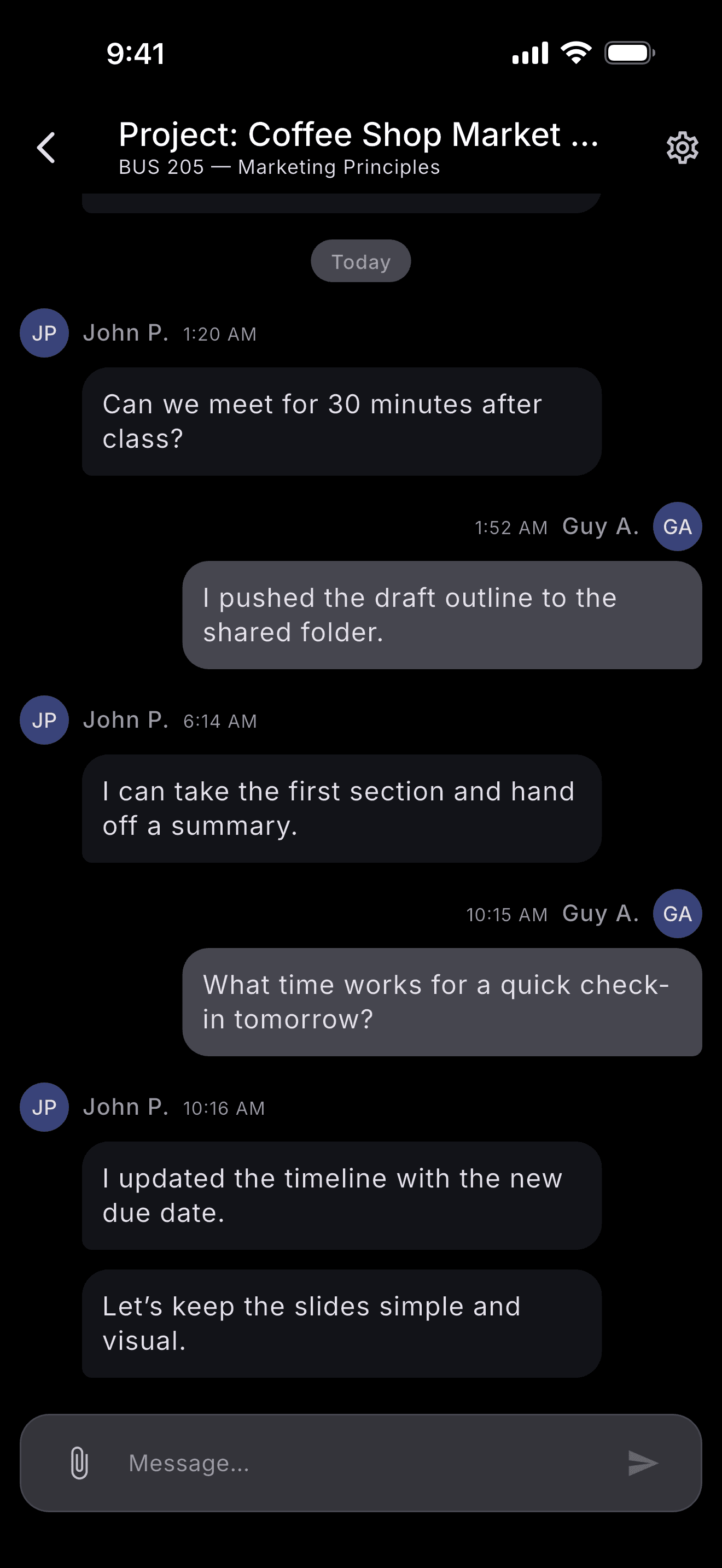
One thread per project.
Shared tasks, files, and chat for group projects. Files attach to the assignment, not a chat scroll.
Export
PDF or PNG, two taps.
Print it. Share it with your roommate. Stick it on your fridge.
Widgets
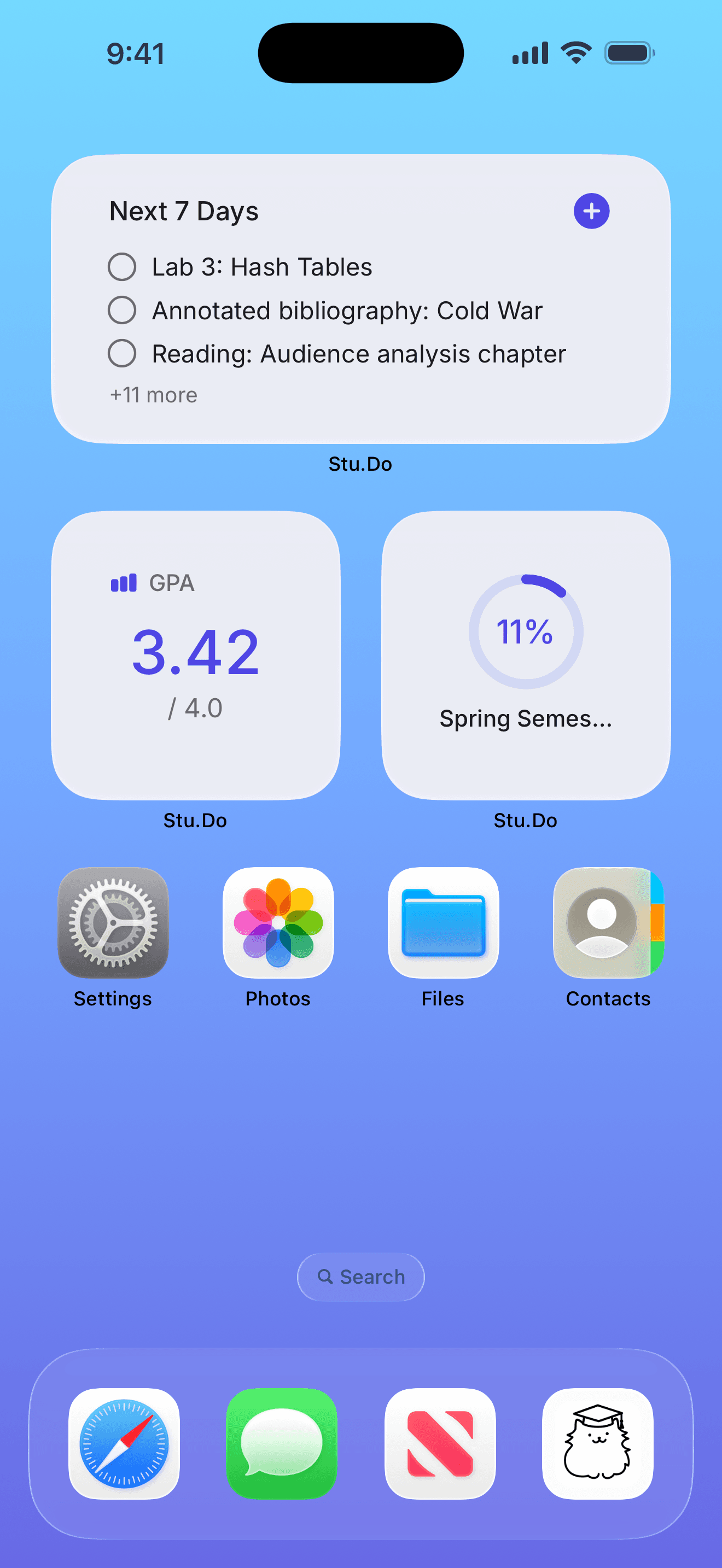
Your day on the lock screen.
Lock screen, home screen, small, medium, large. Today's tasks and your GPA, no app open required.
Offline
Works without a signal.
Stu.Do stores your data on-device. Cloud sync is opt-in.
Privacy
We don't read your stuff.
Anonymous analytics only. No selling, no ads, no AI training on your data.
Read the privacy policy →That's the whole app
The rest is just school.